
SEO
Arabic and English SEO in Qatar: how to rank in both
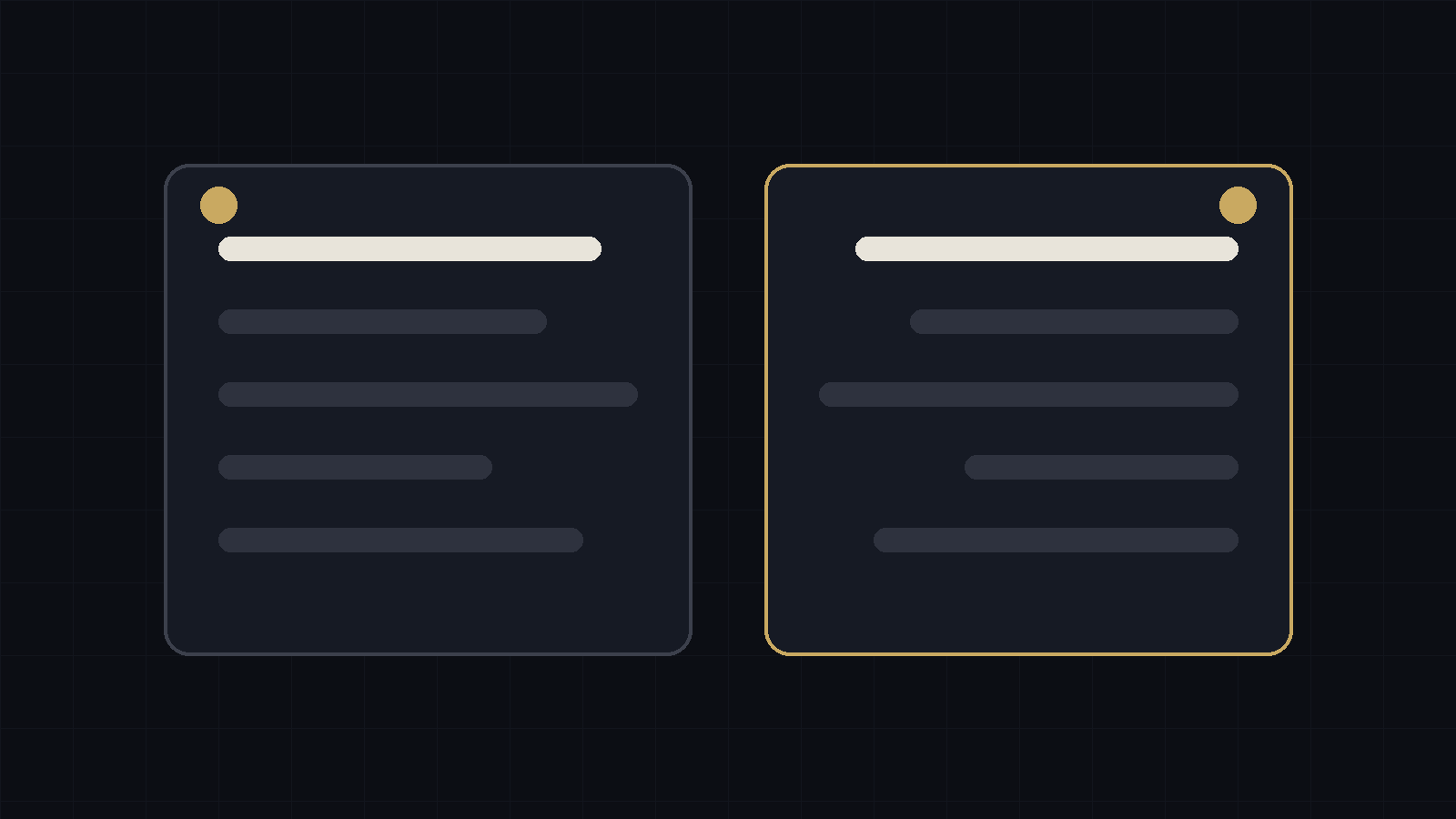
Customers in Qatar search in Arabic and English, and ranking in one does not mean ranking in the other. A practical guide to bilingual SEO for businesses in Doha.
A customer in Doha searching for a dentist, a car service or a marketing agency might type the query in English, in Arabic, or in both. If your website only speaks one language, you are missing a share of those searches. And a translated site is not the same as a site that ranks in both languages.
Treat each language as its own market
Arabic and English searchers use different words. They also phrase questions differently and sometimes mix the two. Keyword research has to be done separately in each language. Running your English keywords through a translation tool will give you phrases nobody types.
Give each language its own URL
The cleanest setup is one URL per language, for example /services for English and /ar/services for Arabic. This lets Google show the right version to the right person. Avoid switching language with a script on a single URL, because search engines may only see one version.
Use hreflang correctly
Hreflang tags tell Google that two pages are the same content in different languages. Each page should point to its own version and to the other language, and each page should name itself as canonical. Common mistakes are pointing the Arabic page's canonical at the English page, and tags that do not reference each other. Either one can stop the Arabic page from being shown.
Write the Arabic, do not translate it
Machine translated Arabic reads as stiff and often uses terms customers do not use. Have a native writer produce the Arabic page, using the keywords found in Arabic research. For a Qatar audience, use the Arabic spelling and place names people actually search for, such as الدوحة and الخليج الغربي, and keep a version in English script where customers use it.
Do not forget layout and speed
Arabic pages need proper right to left layout, readable fonts and the same loading speed as the English version. A broken layout sends visitors back to the results page, which tells Google the page did not help.
Local signals in both languages
For businesses in Doha, add your name and address to your Google Business Profile in both languages, keep the details identical everywhere you are listed, and ask customers to leave reviews in whichever language they prefer. Mention your area, such as West Bay, The Pearl or Lusail, in the page text where it is true.
Measure each language separately
In Google Search Console, filter by page path to compare /ar/ pages with the English ones. Look at impressions, clicks and the queries behind them. If the Arabic version gets impressions but few clicks, check the title and description. If it gets none, check indexing and hreflang first.
A short checklist
- One URL per language
- Hreflang on every page pair, with self referencing canonicals
- Arabic keyword research done separately
- Arabic copy written by a native speaker
- Right to left layout tested on mobile
- Google Business Profile completed in both languages
- Search Console reviewed per language every month
How M&M Marketing handles it
Our own website runs separate English and Arabic URLs with hreflang between them. If you want us to check yours, request a free SEO audit, or read about our SEO agency in Doha service.
Common questions
Do I need an Arabic version if my customers speak English?
Many customers in Qatar search in English, but a sizeable share search in Arabic, and your competitors may not serve them. It depends on your market, so check Search Console data and ask your sales team which language enquiries come in.
Is Google Translate good enough for an Arabic site?
No. It is fine for a rough check, but customers can tell, and it rarely uses the words they search for.
Can one page serve both languages?
It is better to have separate pages. One page with two languages is harder for search engines to rank in either.